Everything LiveNote does
LiveNote is a real-time notepad you share with a link. This page is the honest, complete list of what it ships today; each item below is live in the product right now.
Writing and editing
One page, four ways to write on it. Switch modes any time; the note autosaves in whichever mode you prefer.
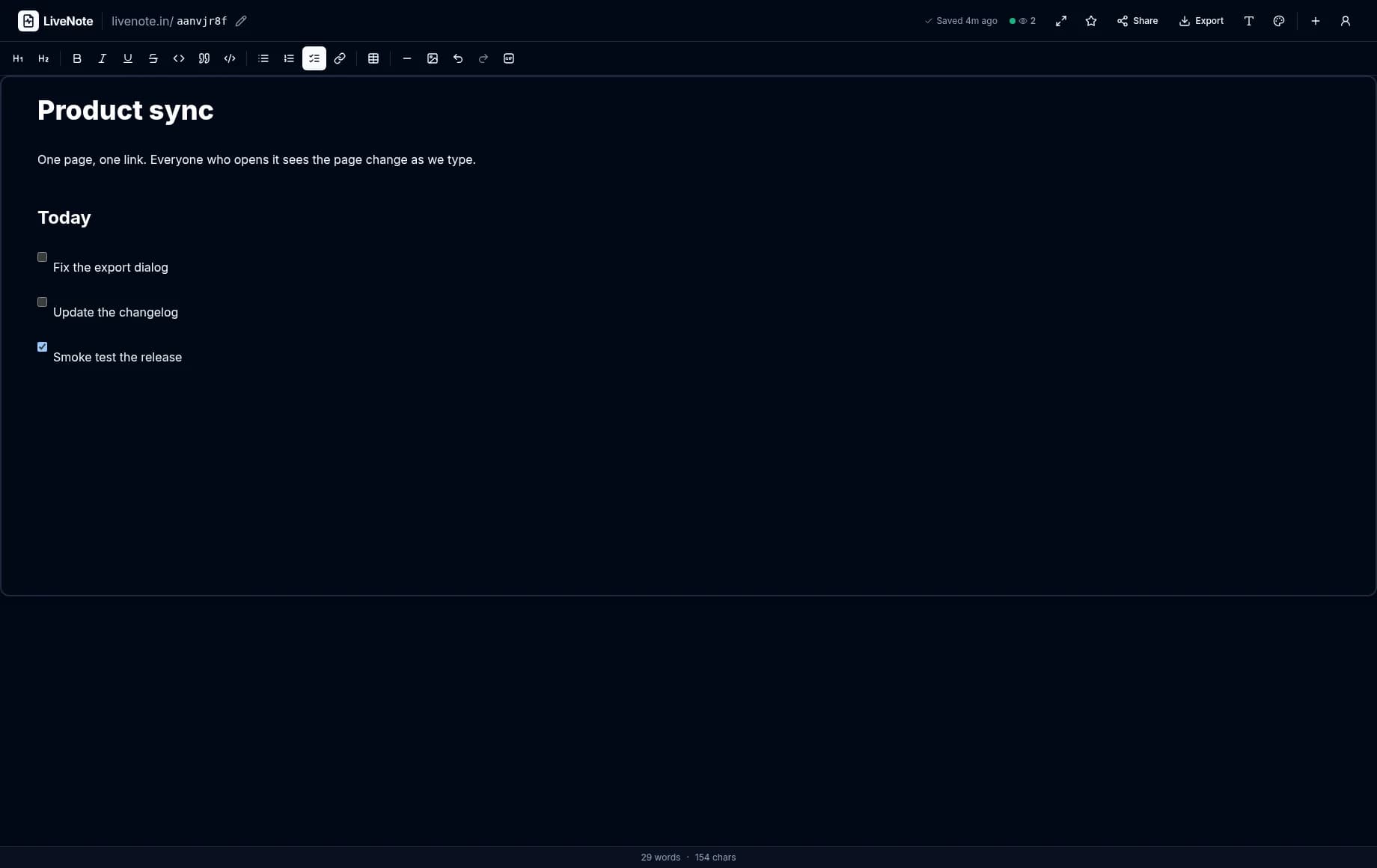
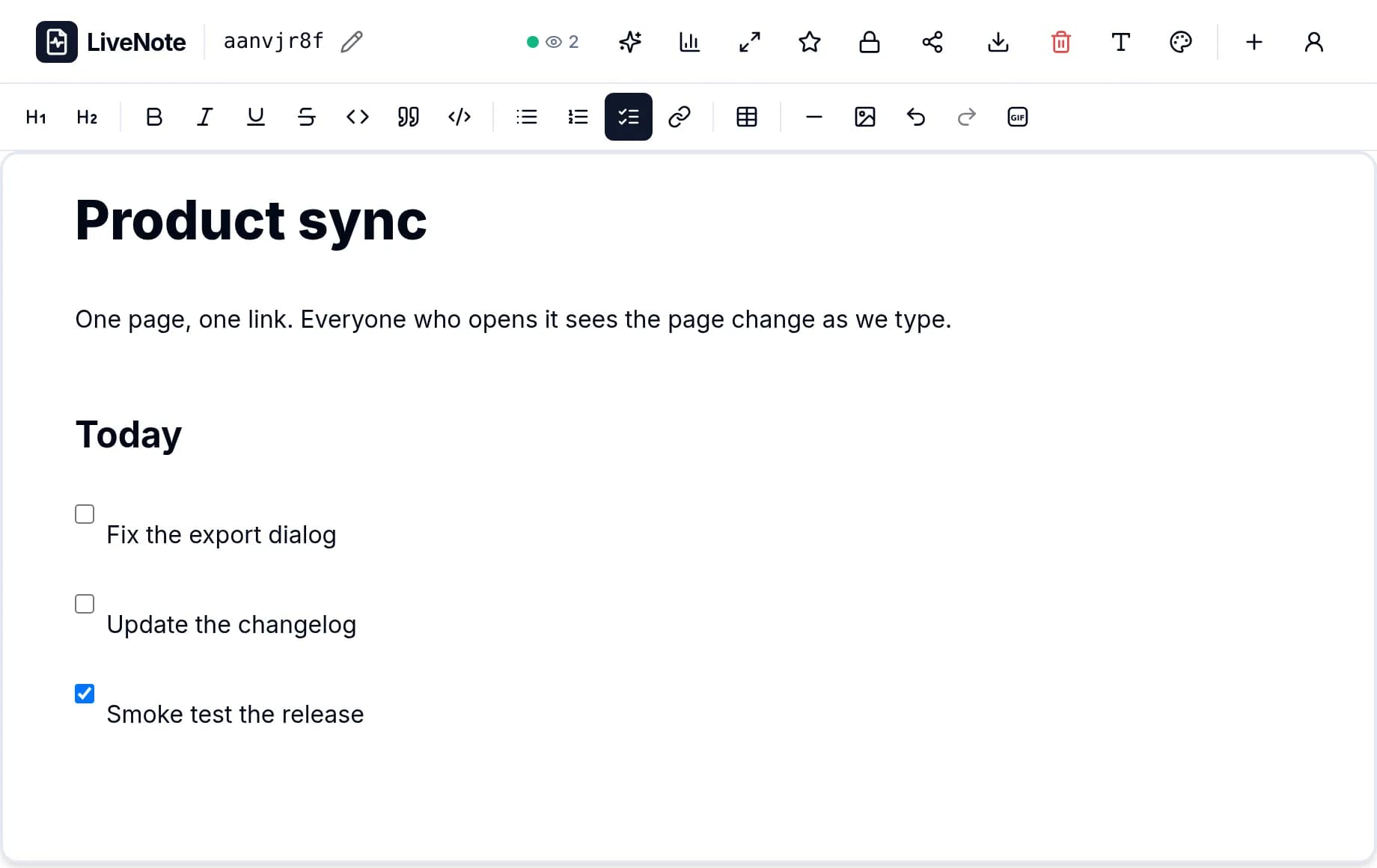
- Rich text editor with headings, lists, quotes, and images
- Markdown mode for keyboard-first writing
- Plain text for zero-friction notes
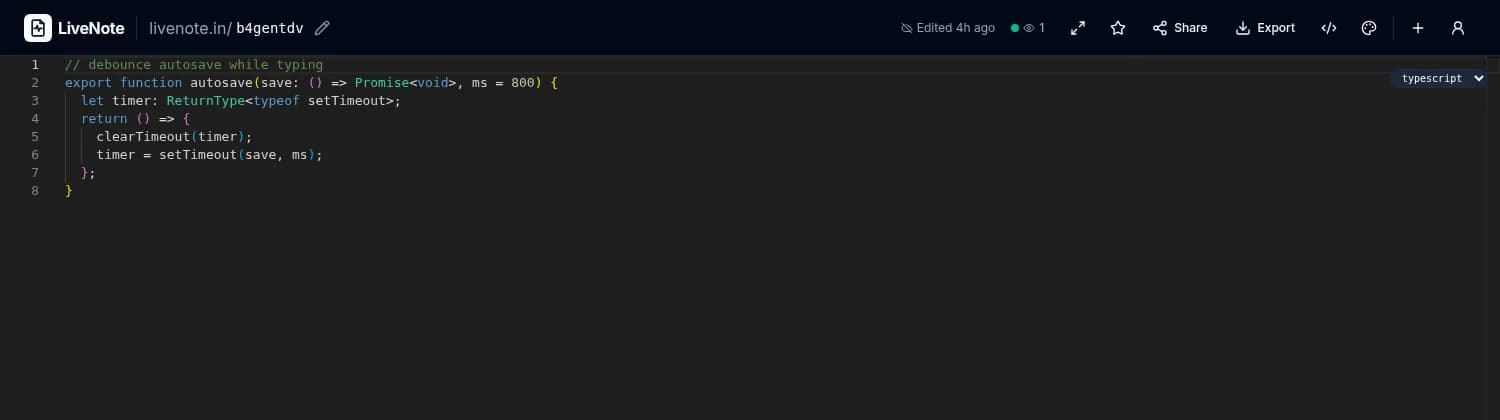
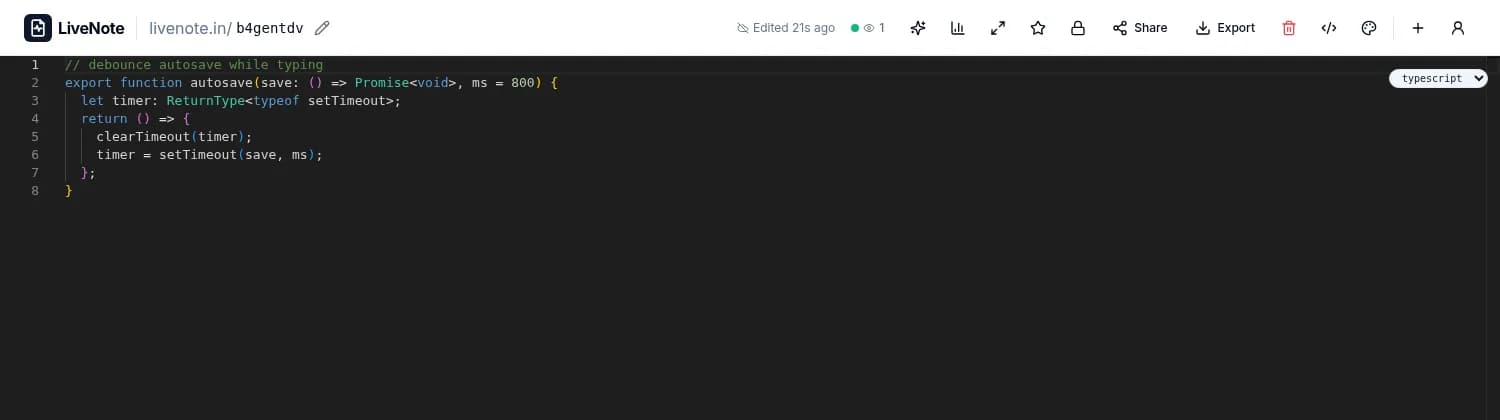
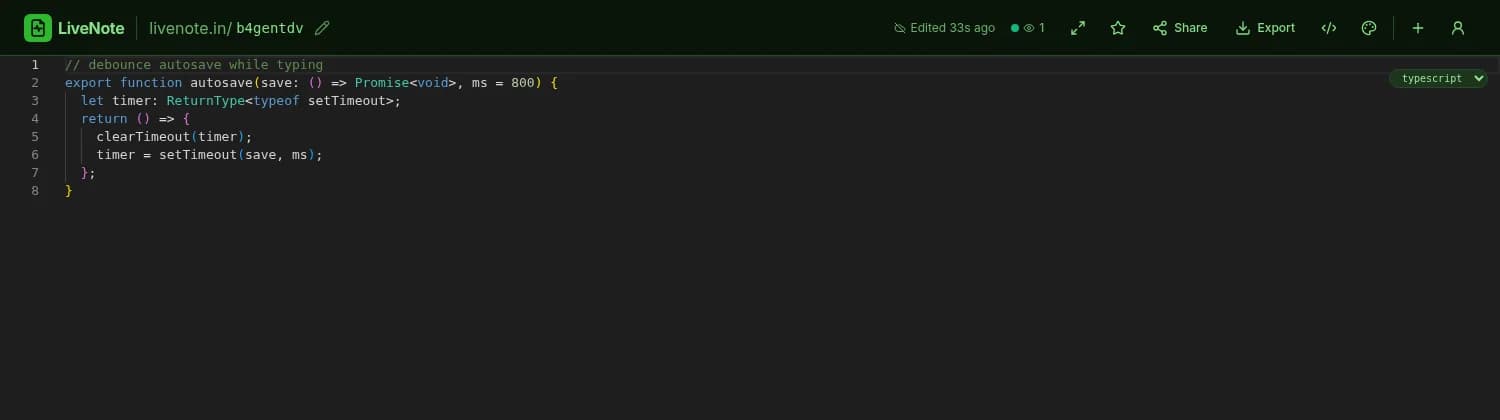
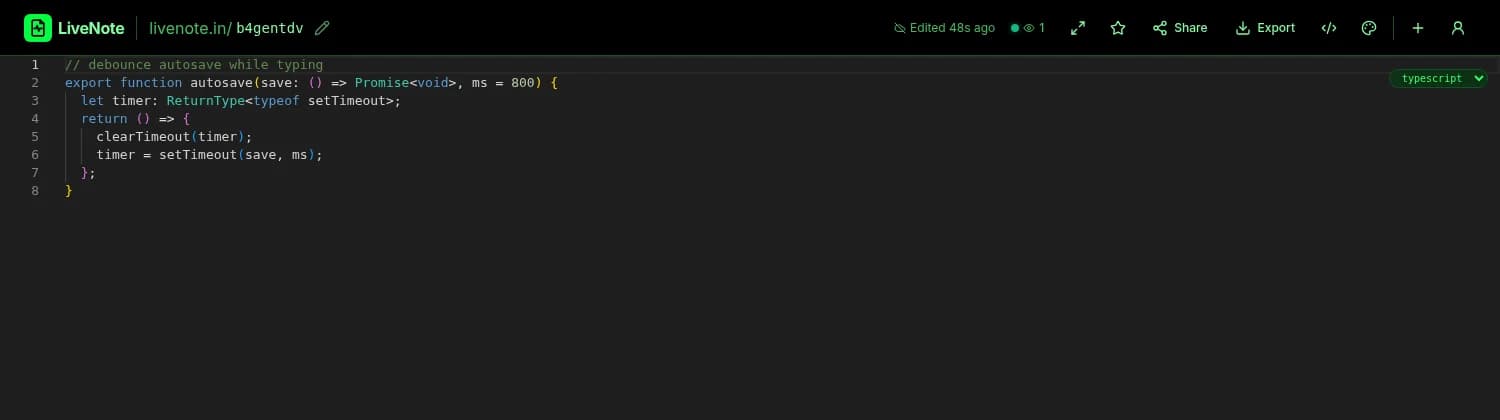
- Code mode with syntax highlighting in 20+ languages
- Tables and tickable checklists inside notes
- Live word and character count, with reading time
- Autosave with a visible Saving… / Saved status
Real-time collaboration
Built for the moment two or more people are on the same page at once.
- 01Edits appear live for everyone viewing the note
- 02Named cursors show who is typing where
- 03Presence dots and a live viewer count
- 04Optional viewer name gate so collaborators identify themselves
- 05Works in the browser with no plugins or installs
Sharing and permissions
A link is all it takes; you decide what the link allows.
- Share links that are read-only or editable
- One-time links and burn-after-reading links
- Password-protected shares
- Share links with expiry dates and view limits
- QR code for handing the link to the room
- Editable, human-readable note URLs you can rename any time; old links keep working via redirect
Privacy and security
Your notes are yours. The defaults are safe, and the stronger options are one click away.
- 01End-to-end encryption: AES-256-GCM in your browser; the server stores only ciphertext
- 02Note passwords hashed with argon2id
- 03Lock the URL, the content, or the whole note against edits
- 04CSRF protection, XSS sanitization, and rate limiting built in
- 05Anonymous notes need no account and leave no email behind
- 06Optional accounts with TOTP two-factor authentication
Organizing and finding
One note is easy. Fifty need a system, and LiveNote ships one.
- Dashboard with recent, favorites, archived, and trash views
- Tags and folders
- Full-text search across your notes
- Star notes from other people to keep them close
- Command palette (Ctrl/⌘ + K) for jumping anywhere
Extras that earn their place
The odds and ends that make LiveNote a daily tool rather than a demo.
- 01Export any note as TXT, Markdown, HTML, JSON, PDF, or DOCX
- 02Attachments: photos, GIFs, video, audio, PDF, DOCX · up to 50 MB each
- 03Installable PWA with an offline shell
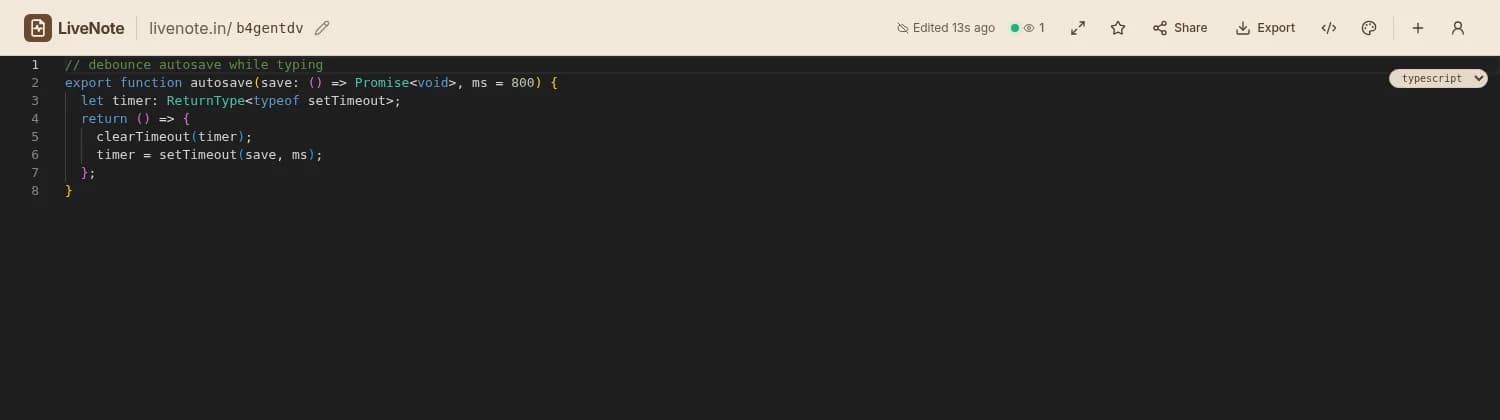
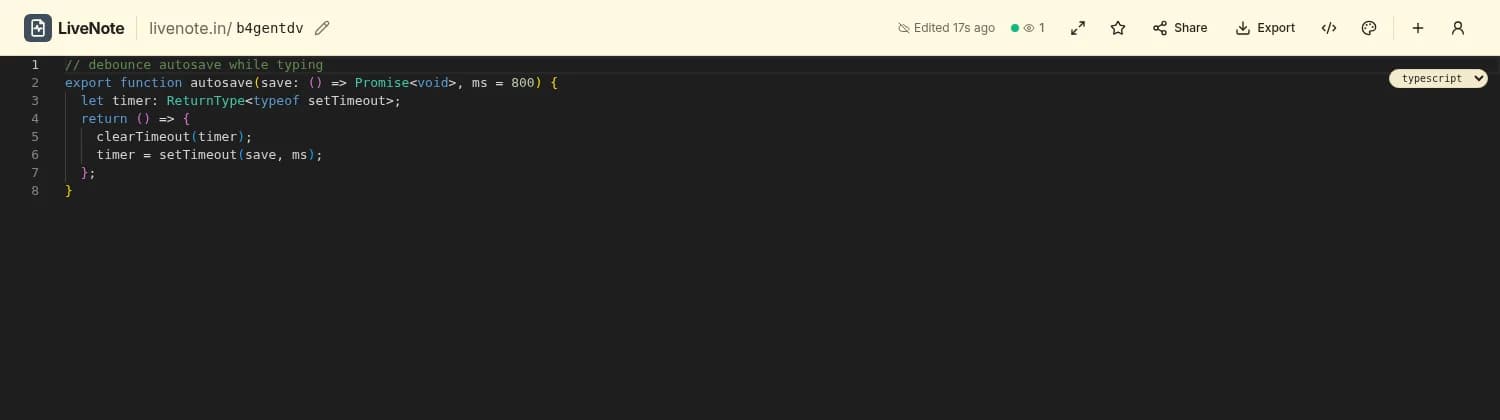
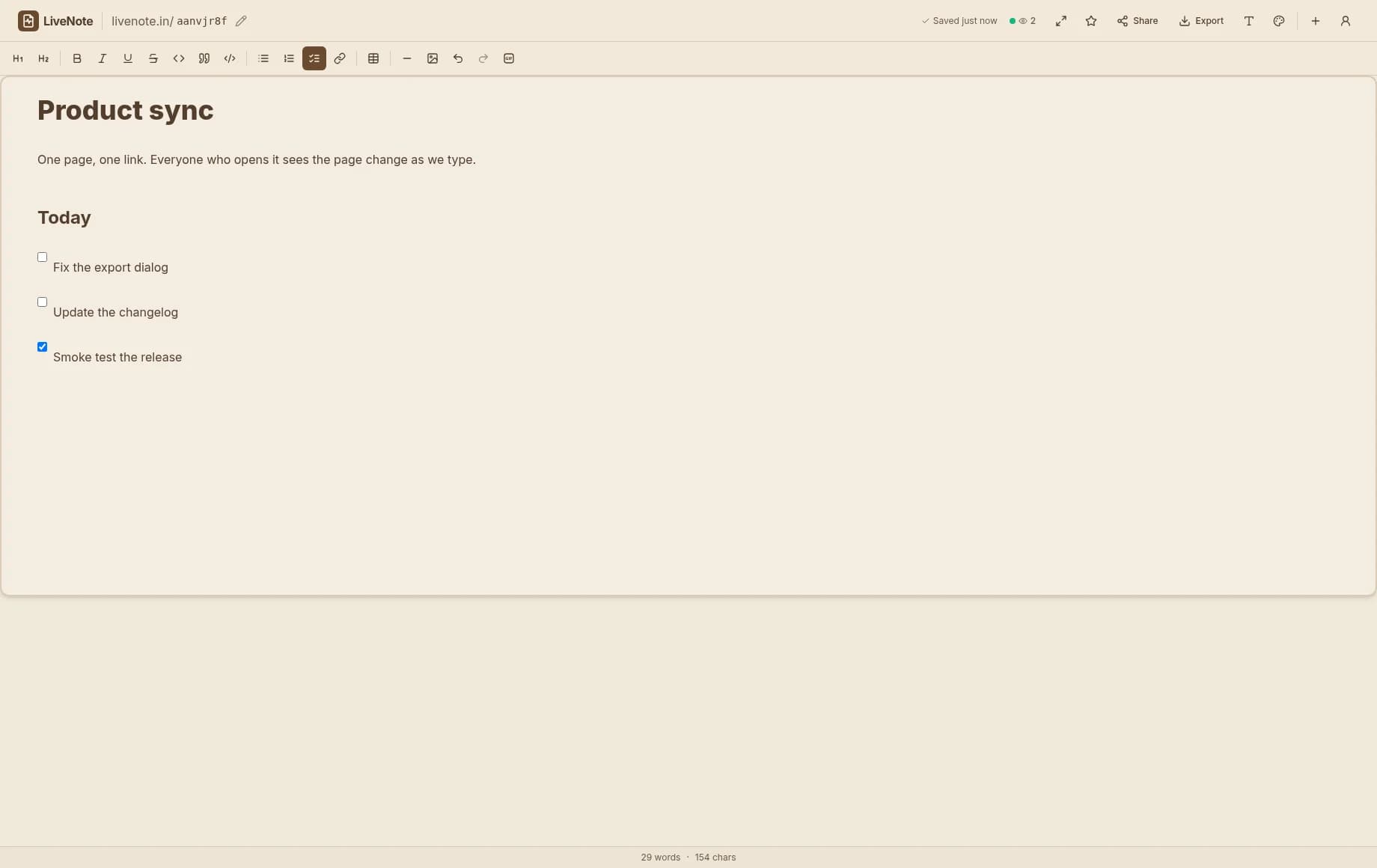
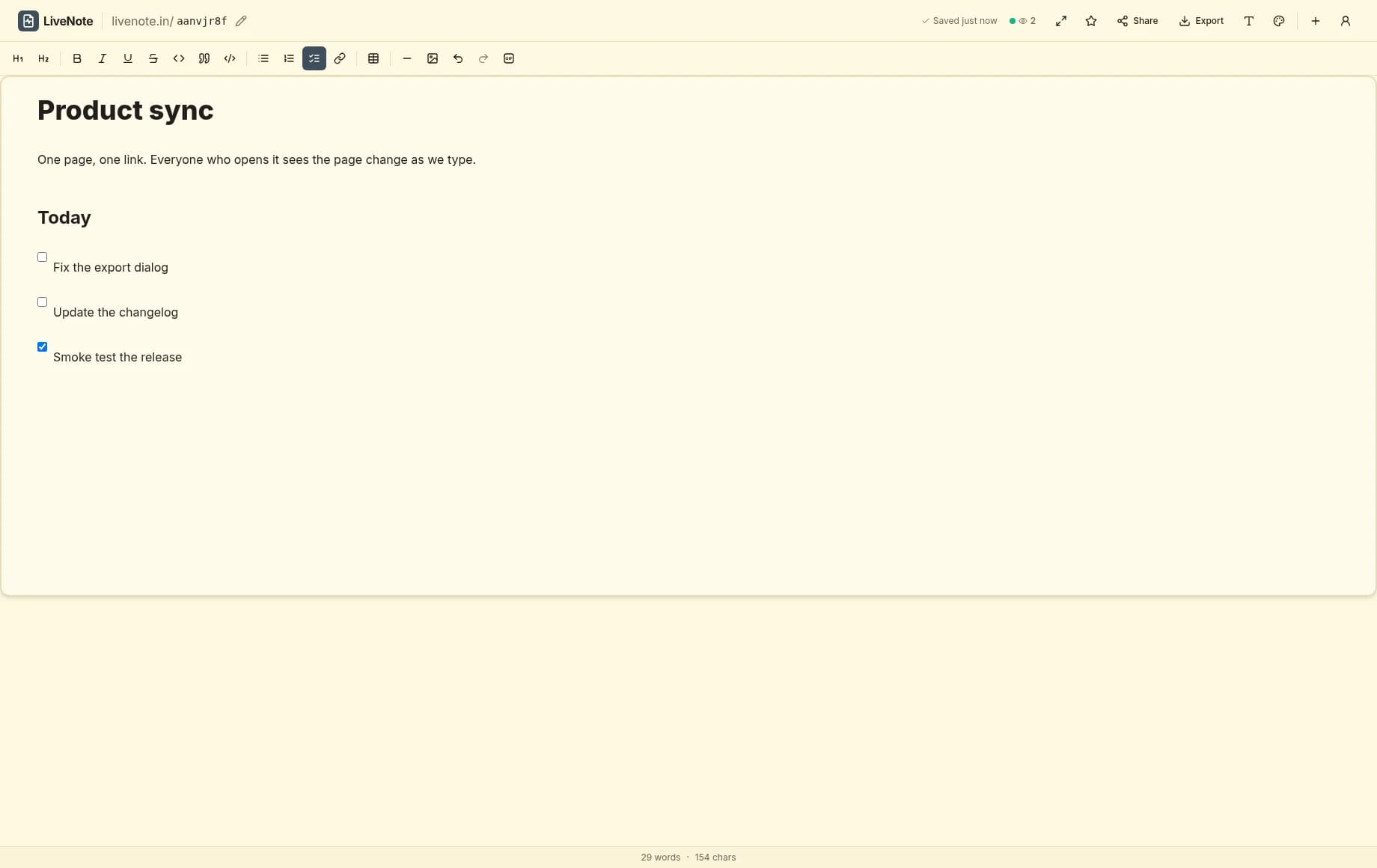
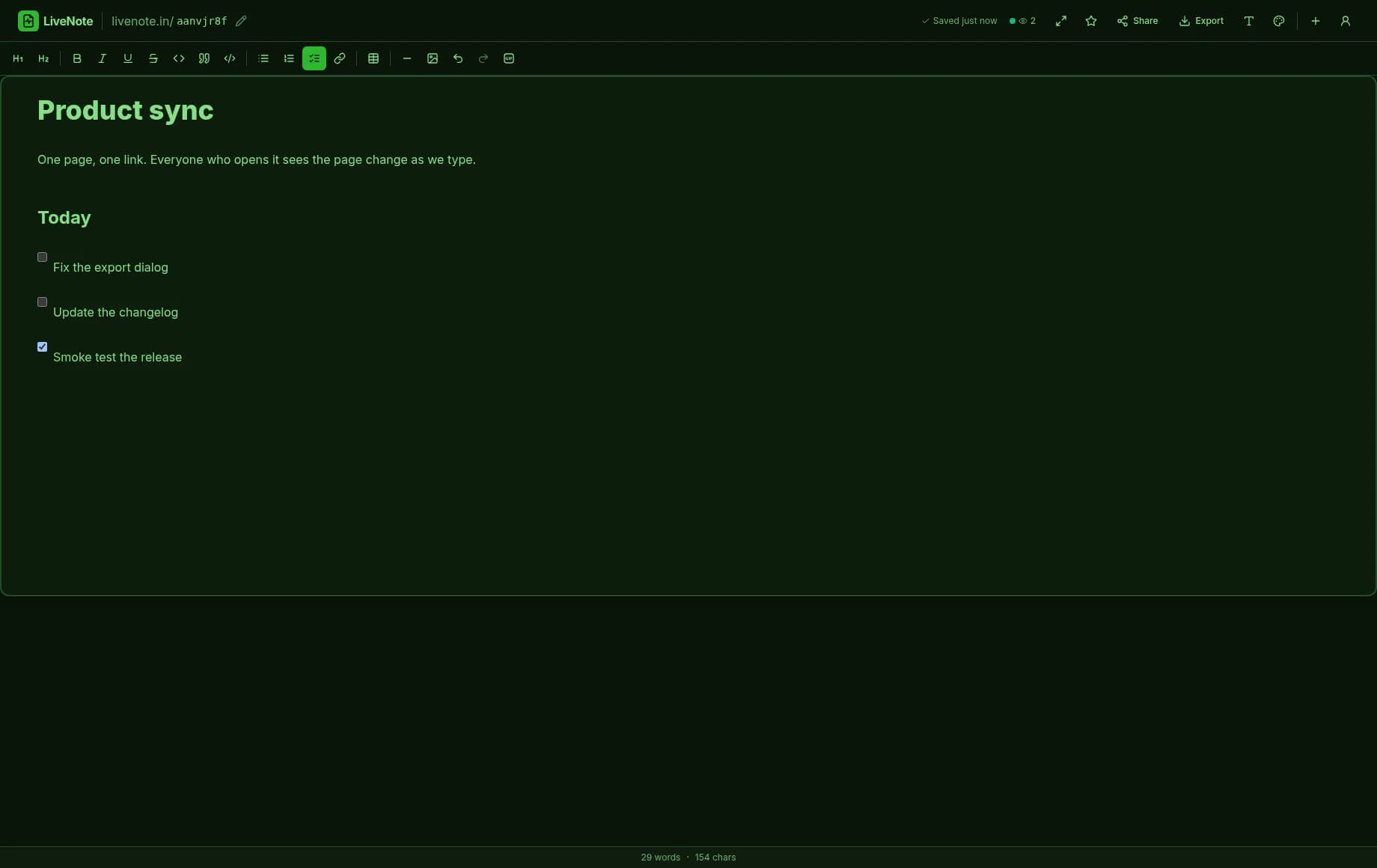
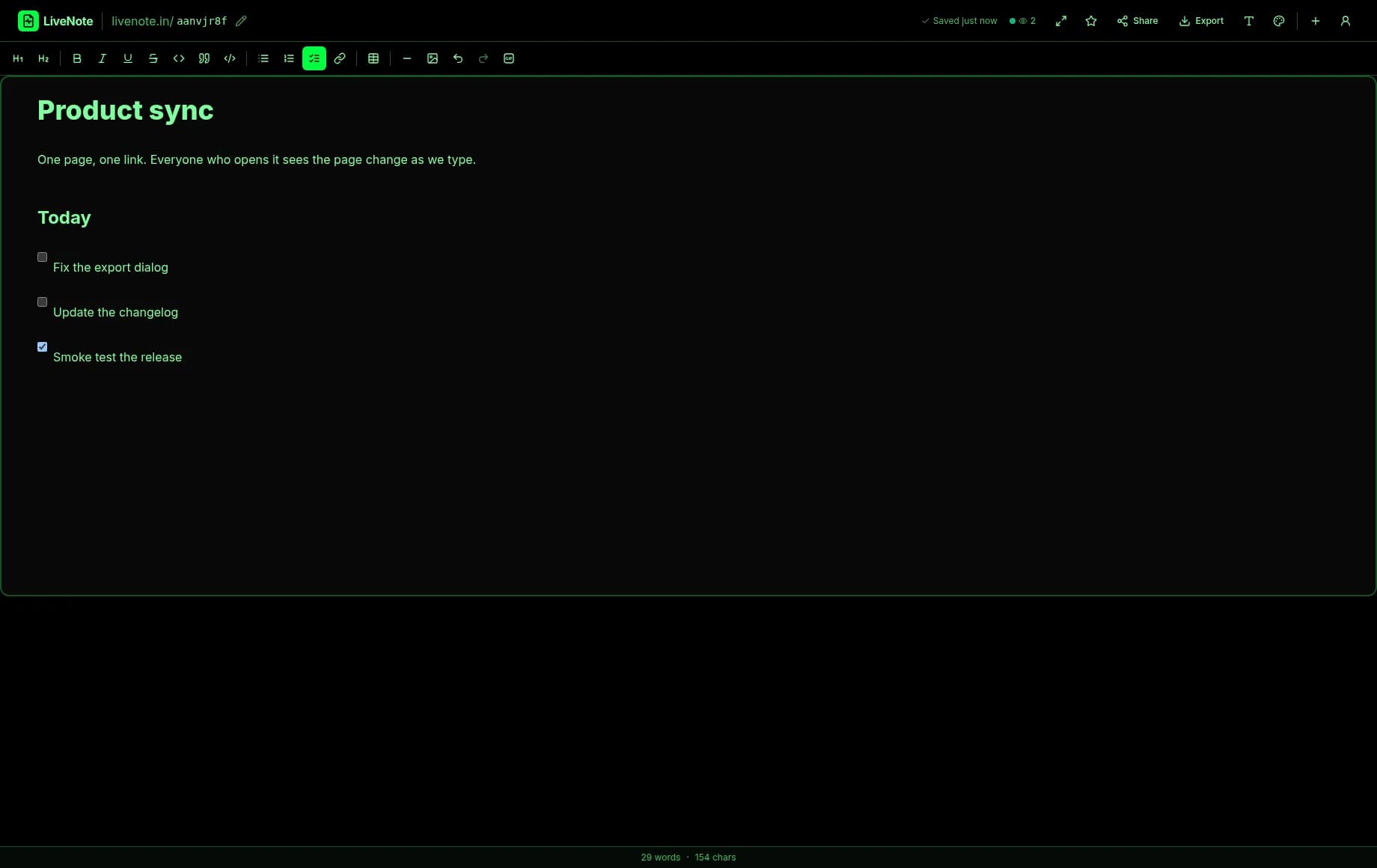
- 0418 themes, including Dracula, Nord, Solarized, Tokyo Night, One Dark, Gruvbox, and Rosé Pine
- 05Optional AI assist (summarize, rewrite, translate), off unless you configure a provider
- 06Free to use, with no account required
Try it before you read another word
A fresh page is one click away. Type something, share the link with yourself, and watch it sync.
Start writing